How to Make Printable Invitations Online (Free)
4 min read
An email invite gets the date across; a printed card on the fridge is what people actually remember. The catch: design tools are overkill, templates from stock sites all look the same, and a print shop charges per layout. Here is the middle path — a free invitation maker that goes from blank page to print-ready PDF in about five minutes.
Why printed invitations still win
Group-chat invites disappear under memes within the hour. Paper sets the tone before the event starts: it says the date matters, it survives on the fridge until the day itself, and grandparents get the same experience as everyone else. The modern trick is pairing paper with the web — a QR code on the card that opens your online RSVP page, so you get the charm of print and the convenience of digital replies.
Step 1 — pick the design
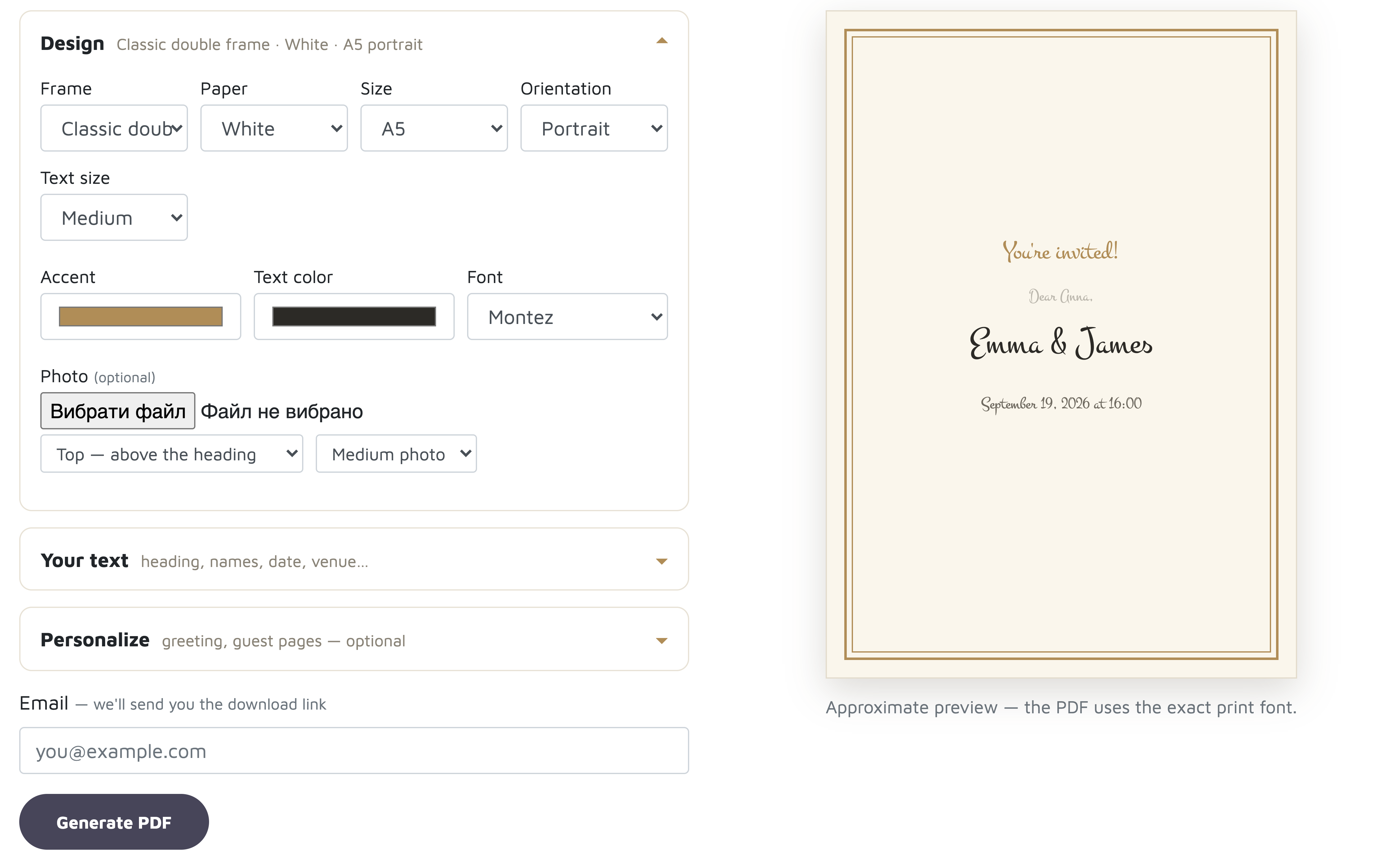
Four drawn frame styles (classic double frame, art-deco corners, side band, minimal lines — or none), seven paper tones, any accent and text color, and every font from our place-card collection. Sizes run from A4 down to A7, portrait or landscape. The live preview on the right updates as you type.
Step 2 — write it your way
Heading, host names, the occasion, date, venue and a footer for RSVP notes or dress code — every line is yours to phrase, multi-line where it matters, and each line can carry its own font and shade through the little “Aa” control next to the field. Add a photo if you like — top, middle or bottom, three sizes.
Step 3 — a personal page for every guest
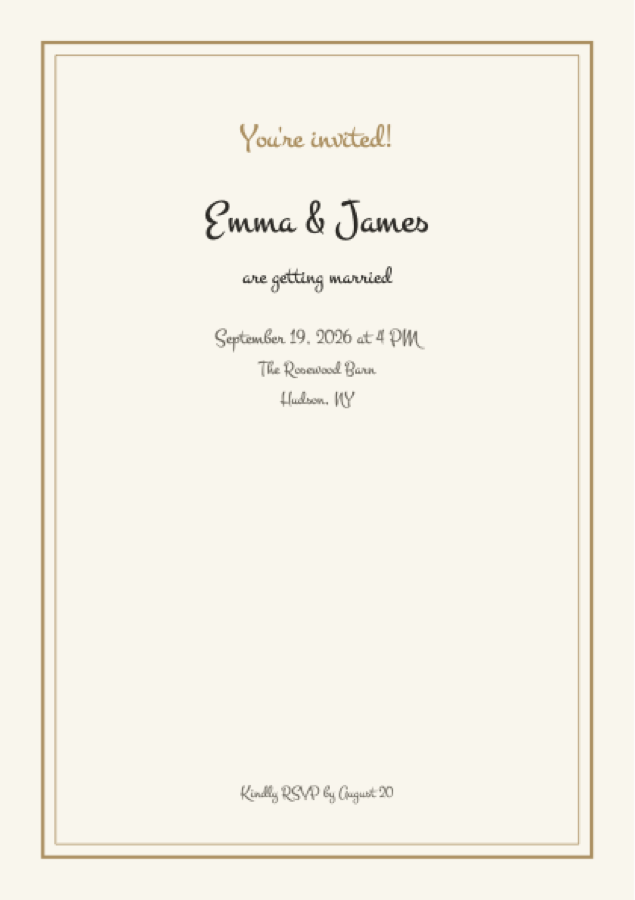
Paste guest names — one per line, straight from a CSV or your guest list — and the PDF
becomes a booklet: every guest gets their own page with your greeting. The greeting
template is yours too: write “Dear {name},”, “To the wonderful {name}!” or anything
else — {name} is replaced with each guest's name.
Step 4 — print, hand out, collect RSVPs
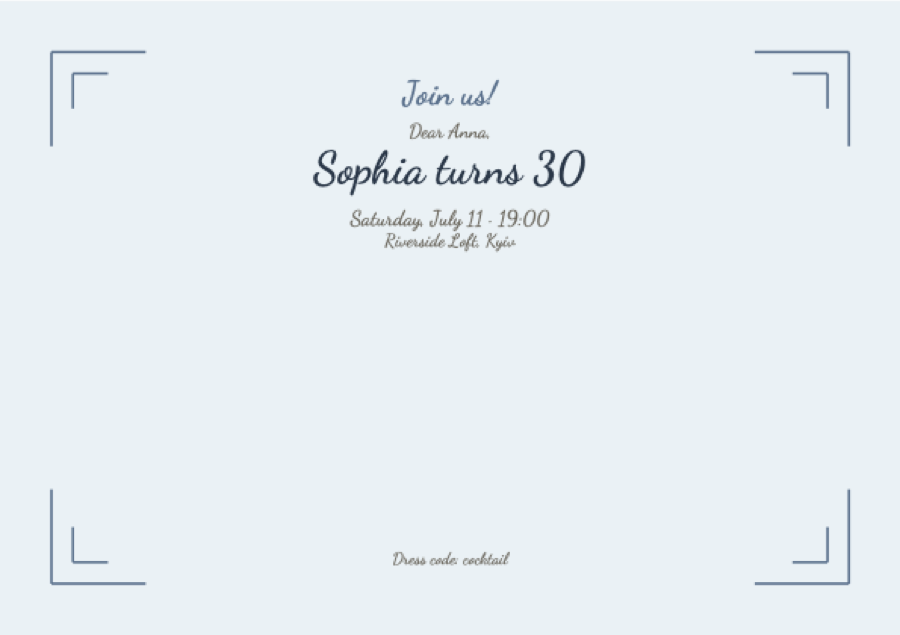
Download the PDF and print at home or at any print shop. If the invitation belongs to an event in our planner, the card carries a QR code that opens your public event page — guests scan it and reply online, and the answers land straight in your guest list.
Paper sizes, decoded
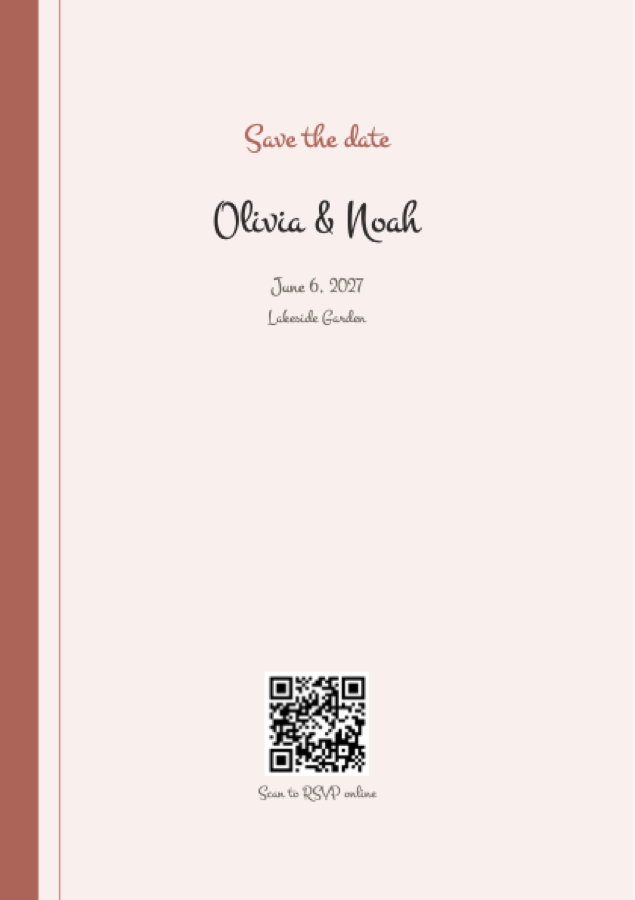
A5 is the classic invitation card (half of A4) — our default. A6 is postcard-size, great for casual parties. A7 works as an insert or a save-the-date. A4 makes a statement piece or a poster for the venue door. All print true to size on standard paper.
Frequently asked questions
Is the invitation maker free?
Yes — designing and downloading the print-ready PDF is free, no account needed. We email the download link so you can return to your design later.
What invitation sizes can I print?
A4, A5 (classic invitation card), A6 (postcard) and A7 (insert or save-the-date), each in portrait or landscape. PDFs print true to size on standard paper.
How does the RSVP QR code work?
If the invitation belongs to an event in the planner, the card carries a QR code that opens your public event page — guests scan it and reply online, straight into your guest list.
Can each guest get a personalized invitation?
Yes — paste guest names one per line and the PDF becomes a booklet with a page per
guest. Write your own greeting template and {name} is replaced with
each guest's name.